Tag Archives: Device Management

Find the right wireless plan designed specifically for business needs.

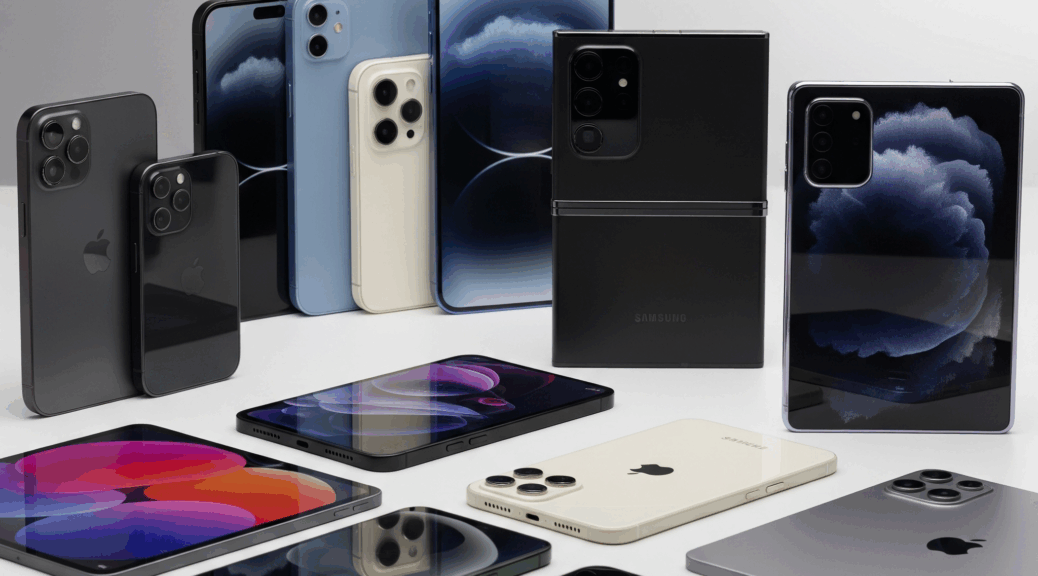
The Ultimate AT&T Business Device Guide: Models, Colors, SKUs & Storage Options

If you manage wireless services for your business, you know how challenging it can be to keep track of all the devices, models, and options AT&T Business offers. Whether you’re upgrading your team’s smartphones, adding tablets, or exploring the latest connected devices, having a single, up-to-date resource is essential for making the right choice.

That’s why we’ve created the most comprehensive AT&T Business Device Guide—your one-stop page for every device currently available through AT&T Business, complete with:

  • Device models and series (from flagship smartphones to rugged field devices)
  • Available colors and finishes
  • Storage and gigabyte size options
  • Official SKUs for easy ordering and inventory management

Why This Resource Matters

Save Time on Device Selection:
No more sifting through multiple product pages or outdated PDFs. Our guide brings all the details into one place, making it easy to compare devices side by side and find the right fit for your business needs.

Accurate SKUs for Hassle-Free Ordering:
Ordering the wrong SKU can delay your deployment and create headaches for your IT team. With our detailed SKU listings, you can be confident you’re requesting exactly the right device, color, and storage size.

Stay Current with AT&T’s Latest Offerings:
AT&T regularly updates its device lineup, including exclusive business models and specialty devices for IoT, fleet, and field operations. Our guide is updated frequently to reflect new releases and discontinued models, so you’re always working with the latest information.

What Devices Are Covered?

  • Smartphones: Apple iPhone, Samsung Galaxy, Google Pixel, and more—covering all business-ready models.
  • Tablets: iPad, Samsung Galaxy Tab, and rugged tablets for field use.
  • Mobile Hotspots & Routers: The latest 5G and LTE devices for business connectivity.
  • Connected Devices: Wearables, vehicle modems, and IoT hardware.

Specialty Devices: Rugged phones, push-to-talk devices, and more for demanding environments

How to Use This Guide

  • Procurement: Share the guide with your purchasing department to streamline bulk orders.
  • IT & Device Management: Use the SKUs and specs to automate device enrollment, MDM setup, and asset tracking.
  • End-User Support: Quickly identify replacement devices or compatible accessories for your team.

AT&T Business Promotions and Custom Plans

AT&T also offers valuable business promotions and flexible plan options to help you get the most from your wireless investment. Explore the latest AT&T Business Promotions for exclusive device discounts, trade-in offers, and bundled savings tailored for business customers.

For maximum flexibility, the AT&T Business Unlimited Your Way Plan lets you mix and match unlimited plans to fit every team member’s needs, with generous hotspot allowances and streamlined account management.

Explore the Guide Now

Ready to find the perfect AT&T device for your business?
Visit our AT&T Business Device Guide page to browse all models, colors, SKUs, and storage options—updated for 2025.

About MobileWiseGuy:

We specialize in wireless carrier trends, business mobility, and consumer protection—helping businesses make smarter telecom decisions every day. If you have questions about AT&T business devices, plans, or migrations, contact us for expert guidance.
How to Solve ESIM Deployment Issues for Large Businesses

The ESIM Problem Businesses Face During MDM Rollouts

Managing large-scale mobile accounts comes with unique challenges. Recently, I had the opportunity to support the IT team of a major extermination company, which oversees more than 2,000 wireless lines. They were in the middle of rolling out a new Mobile Device Management (MDM) system when they hit an unexpected snag: end users were accidentally deleting their ESIMs.

This might sound like a small issue, but in a large-scale deployment like theirs, even minor setbacks can snowball into major disruptions. The good news? I had a straightforward, efficient solution.

How I Solved an ESIM Deployment Crisis for a Large Business

The IT team simply provided me with the IMEI numbers for the affected devices. From there, I was able to instantly push new ESIMs to each device. This quick response not only saved valuable time but also helped them avoid the frustrating and time-consuming process of contacting AT&T support during such a critical rollout period.

Why Hands-On Support Matters for Wireless Transitions

For businesses managing thousands of wireless lines, these kinds of specialized, hands-on solutions make all the difference. This experience is just one example of how I help AT&T business clients streamline their telecommunications operations—whether it’s solving deployment challenges, optimizing mobile solutions, or keeping their teams connected without disruption.

Contact Me for Streamlined Business Wireless Solutions

If your business is facing wireless headaches or complex IT transitions, reach out to learn more about how I can help. Let’s make your wireless strategy as seamless and efficient as possible.

Sonim recommends user to register for the cloud

Recommendations for Amazon DSPs on Sonim XP10

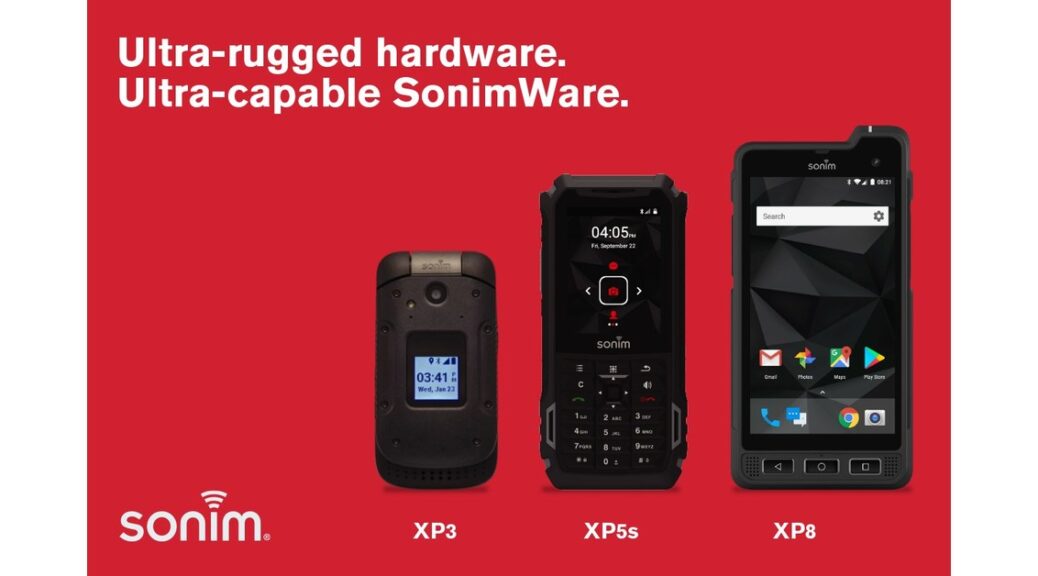
Sonim suggests Amazon DSP who are using the Sonim XP10 sign up for a Sonim Cloud account and configure three resources.  First is Kiosk to limit access to just the apps the drivers need. Second is a contact list to load and maintain commonly used contacts (for voice phone calls and/or text messaging) on the device.  Third is Sonim SOS to give drivers a quick way to call 911 or any other custom number in case of emergency.

Sonim Scout Features

You can view more info about SonimWare (including a screenshot of a kiosk about halfway down the page) here: https://www.sonimtech.com/products/sonimware/

Sonim helpful resources

SonimWare > Sonim Technologies www.sonimtech.com
SonimWare

Sonim self-help video series, Sonim University.

Sonim University Welcome to the official Sonim University channel. Here you can learn the latest tips ‘n tricks on how to use your Sonim products, accessories, and services including Sonim Cloud and Scout. Our mission is to create a convenient place for both our existing & potential customers to learn more about our products and how they can be more efficient and improve their everyday life. www.youtube.com
Sonim University

 Here are links to a few helpful videos on Sonim University:

Sonim Cloud – The Basics (Playlist)

What is Sonim Scout?

What is Sonim Cloud? (Coming Soon)

Let me know how I can help!

Legacy Video Series – The videos below will be updated and posted to Sonim University.