Category Archives: Verizon Wireless

Explore in-depth coverage of Verizon Wireless services on our site. Discover how Verizon’s solutions can meet your business and personal needs with reliable connectivity, advanced security features, and comprehensive service options. Whether you’re looking for new plan details, the latest device offerings, or customer service insights, this category provides all the information you need to make well-informed decisions.

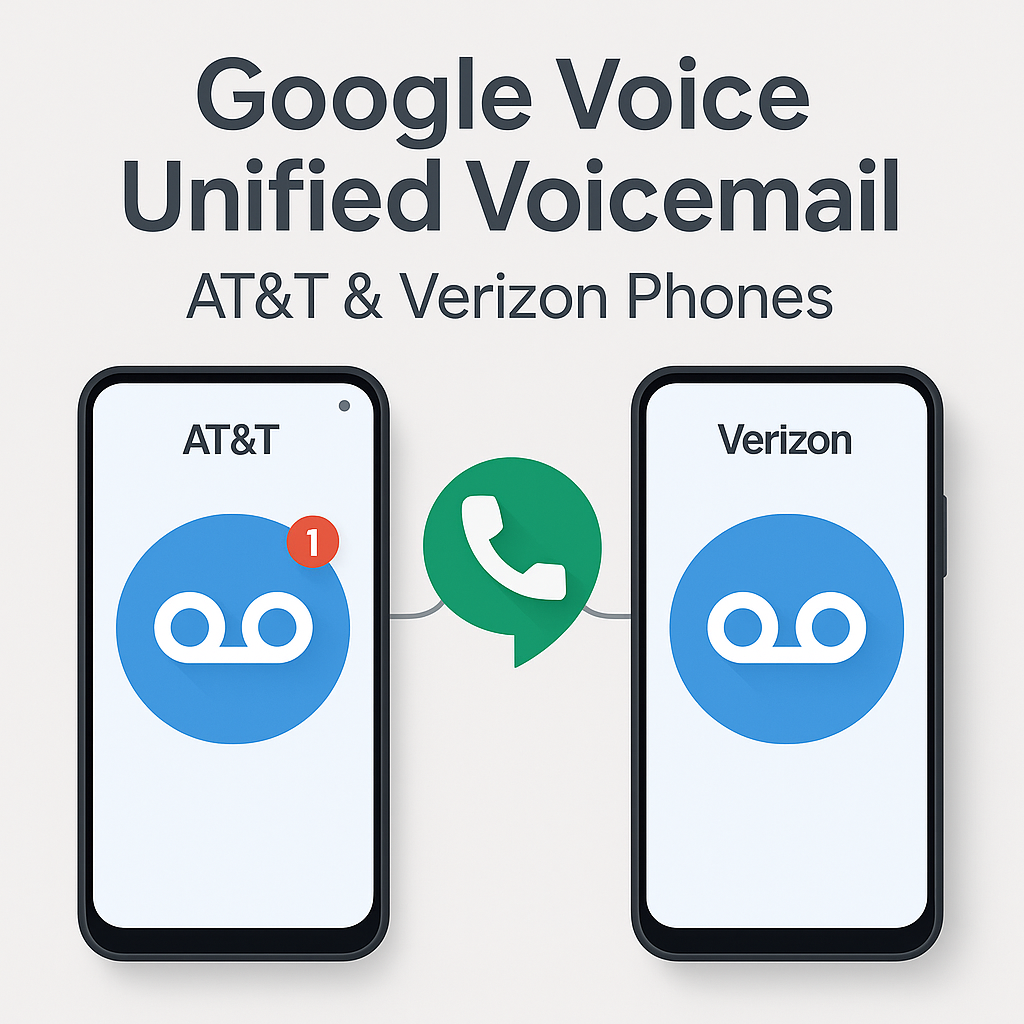
How I Use Google Voice Voicemail for Unified Voicemail on AT&T and Verizon Phones

How I Use Google Voice Voicemail on AT&T and Verizon Phones

Managing multiple phones across different carriers brought some challenges for me—especially when voicemails were scattered between devices. Google Voice offers a great way to unify voicemail, even if your devices are split between AT&T and Verizon.

My Experience

I was having issues where the native voicemail from my AT&T and Verizon phone numbers would sometimes pick up if I did not answer or rejected the call. This fragmented my voicemail and made tracking missed messages difficult. I only wanted Google Voice voicemail to pick up so I could have a centralized inbox.

Additionally, I set Google Voice to prefer Wi-Fi and mobile data for seamless calls and visual voicemail access. However, on my Samsung Galaxy S25 Ultra on AT&T, the ringtone was only using notification alerts and could not be changed, which made it hard to distinguish incoming calls. I also found better cellular reception with the regular AT&T service, which improved call quality.

Setting up call forwarding from my AT&T and Verizon numbers to Google Voice resolved both the voicemail and ringtone issues, allowing me to manage Google Voice across all my devices—computers, tablets, laptops, and multiple phones—with ease and better call handling.

Why I Use Google Voice for Voicemail Unification

If you juggle two phones—one with AT&T and one with Verizon—Google Voice lets you consolidate your voicemails into one inbox. This is especially useful for professionals, consultants, and frequent travelers who manage multiple lines.

How I Set Up Conditional Call Forwarding on AT&T

To make sure all missed calls route to my Google Voice voicemail, I activated conditional call forwarding on my AT&T phone by dialing these codes (substitute GVNUMBER with your full Google Voice number):

  • Unanswered calls: *61*GVNUMBER#
  • Phone unreachable: *62*GVNUMBER#
  • Busy line: *67*GVNUMBER#

Each code needs to be dialed separately with confirmation tones following. This setup ensures only my Google Voice voicemail picks up under these conditions.

How I Set Up Single-Step Forwarding on Verizon

On my Verizon phone, setup was simpler—I dialed *71 plus my Google Voice number, which activates conditional forwarding for unanswered, busy, or unreachable calls.

After dialing, I tested forwarding by calling my Verizon number from another device to ensure voicemail routed correctly. If I ever need to disable forwarding, I can dial *73 or adjust settings on my Verizon account portal.

How I Manage Data Use and Troubleshoot

  • I make sure my Google Voice number isn’t linked in the app to avoid call routing loops or conflicts.
  • I set Google Voice to prefer Wi-Fi and mobile data for calls and visual voicemail access.
  • If calls don’t route correctly, I check my carrier app or contact support to confirm forwarding is active.

Summary Table of How I Use Forwarding

Carrier Forwarding Code(s) What It Does
AT&T *61*GVNUMBER# (Unanswered)
*62*GVNUMBER# (Unreachable)
*67*GVNUMBER# (Busy)
Forwards missed calls to Google Voice voicemail
Verizon *71GVNUMBER (All missed calls) Forwards missed calls to Google Voice voicemail

Using Google Voice with these forwarding setups means all my missed calls from both AT&T and Verizon go directly to my Google Voice voicemail, making call and message management seamless and simple.

How to Turn Off Google Voice Call Forwarding Features

Note: This describes how I turned off forwarding for my Google Voice number. The instructions below should work to turn off call forwarding for any phone number on AT&T or Verizon networks.

  • AT&T: Dial ##21# and press Call. You should hear a confirmation tone indicating all call forwarding is disabled.
  • Verizon: Dial *73 and press Call. Wait for the confirmation tone to know that forwarding is turned off.

These codes deactivate all conditional and unconditional call forwarding, stopping calls from being forwarded to Google Voice or any other number.

Business Fixed Wireless Internet: AT&T vs Verizon vs T-Mobile

Business Fixed Wireless Internet: AT&T vs Verizon vs T-Mobile

Fast setup is the reason to care. Business fixed wireless internet can connect a small office, retail location, remote site, or temporary setup without waiting on a wired install. The tradeoff is simple: reliability depends on the exact address, local network load, and gateway placement inside the building.

Business fixed wireless internet AT&T vs Verizon vs T-Mobile Reliability comparison Fixed wireless vs fiber

Quick verdict

Pick AT&T
You want simple pricing, fast setup, and an AT&T option that includes Turbo treatment on the higher plan.
Pick Verizon
You want defined speed tiers and your address qualifies for strong Verizon 5G Business Internet coverage.
Pick T-Mobile
You want flexible small-business internet options, quick setup, and modern gateway features.

If fiber is available at the address, fiber usually wins for consistency. Fixed wireless is often strongest when you need fast install, a backup circuit, or internet for a hard-to-wire location.

Side-by-side: business fixed wireless internet comparison

AT&T Internet Air for Business

Standard / Premium
Monthly price
With eligible AT&T business wireless plan:
$30 Standard / $70 Premium

Without eligible wireless plan:
$65 Standard / $105 Premium
Speed approach
Speeds vary by address and available wireless service
Key advantage
No speed caps, no data caps, and no overage fees.
Premium includes 250GB of AT&T Turbo for Business.
Best for
Small offices, backup internet, temporary sites, and remote locations
Things to know
Address-based service. Performance can slow during congestion, especially after the higher-priority portion of the Premium plan is used.

Verizon 5G Business Internet

100 / 200 / 400
Monthly price
$69/mo starting point
$39/mo with qualifying smartphone bundle on the 100 Mbps plan
Speed approach
Defined tiers up to 100 / 200 / 400 Mbps
Key advantage
Known tier structure, address check, and bundle savings on qualifying setups
Best for
Offices that want predictable plan tiers and strong Verizon coverage
Things to know
Taxes, fees, Economic Adjustment Charge, promo rules, and address qualification still matter.

T-Mobile 5G Business Internet

Grow / Advanced
Monthly price
Small Business Grow: starting at $30
Business Advanced: starting at $50
Speed approach
Speeds vary by address and congestion
Key advantage
Wi-Fi 7 gateway options, guest Wi-Fi support, and Static IP option on Business Advanced
Best for
Smaller shops, growing teams, quick setup, and multi-location operators
Things to know
Address-based use. Congestion can reduce speeds, and very heavy usage can lead to lower priority on some offers.

This is a working comparison snapshot. Always check the exact business address before you decide.

AT&T Internet Air for Business

AT&T Internet Air for Business router and product graphic
  • Current plan display: Standard and Premium.
  • Pricing shift: AT&T now shows lower pricing when the business has an eligible wireless plan.
  • No speed caps, no data caps, and no overage fees are part of the current offer language.
  • Premium includes 250GB of AT&T Turbo for Business before network management may matter more during congestion.
  • Important: this is fixed wireless service, not mobile service. It must be used at the qualified business address.
  • Best fit: backup internet, temporary locations, remote sites, and places where wired install is slow or unavailable.
  • Related: for a simpler breakdown of how network treatment works, read priority data on business wireless lines.
My take: AT&T is strongest here when you want a simple business option and you also like having a direct person to help with the order and follow-through.
Talk to me about AT&T Internet Air for Business Disclosure: I’m an AT&T Business Wireless Consultant and can help with AT&T ordering and account support.

Verizon 5G Business Internet

Verizon 5G Business Internet graphic
  • Defined tiers: Verizon still leans into up to 100 Mbps, 200 Mbps, and 400 Mbps plans.
  • Starting point: Verizon shows plans starting at $69 per month.
  • Bundle push: Verizon markets a $30 monthly savings when paired with a qualifying business smartphone plan, bringing the 100 Mbps plan to $39 in that setup.
  • Switching pitch: Verizon advertises up to $1,500 to help cover switching costs.
  • Guarantee messaging: Verizon highlights a 10-year price guarantee for eligible new customers in select areas and a 30-day satisfaction guarantee.
Best fit: locations that want a clear tier structure and are already in a strong Verizon area.

T-Mobile 5G Business Internet

T-Mobile 5G Business Internet graphic
  • Current business internet pages: Small Business Grow starts at $30 and Business Advanced starts at $50.
  • Hardware angle: T-Mobile highlights Wi-Fi 7 gateway hardware.
  • Advanced plan angle: Business Advanced adds stronger network controls, guest Wi-Fi options, and a Static IP upgrade option.
  • Heavy-use note: T-Mobile says some business internet offers may see lower speeds during congestion and further reduction after very heavy monthly usage.
  • Location rule: service is for use at the location provided at activation.
Best fit: smaller shops, scaling teams, and businesses that want simple setup with more modern SMB-style gateway features.

Reliability comparison: what actually matters

Most business fixed wireless internet comparisons miss the real issue. The biggest factor is the exact address, then building layout, then local network load.

  • Check the exact business address before you commit.
  • Test during your real busy hours, not just early morning.
  • Place the gateway correctly. Window areas and higher placement often help.
  • Think about failover if your point-of-sale or phones cannot go down.

Retail businesses: POS, cameras, guest Wi-Fi

  • POS: consistency matters more than flashy peak speed.
  • Cameras: watch upload behavior and congestion impact.
  • Guest Wi-Fi: keep it separate from business-critical traffic where possible.
  • Temporary locations: this is where fixed wireless often shines.

Fixed wireless vs fiber

If fiber is available, fiber usually wins for consistency, upload performance, and long-term stability. Fixed wireless usually makes more sense when you need:

  • fast installation,
  • a backup circuit,
  • a remote or temporary site,
  • or internet where wired options are limited.

FAQ

  • Which carrier has the best business fixed wireless internet?
    No carrier wins every address. Business fixed wireless internet performance depends heavily on the exact location, building conditions, and local congestion.
  • Is AT&T business fixed wireless internet good for small offices?
    Yes, especially for backup internet, temporary offices, and places where wired install is difficult or slow.
  • Is Verizon or T-Mobile better for business fixed wireless?
    It depends on the address. Verizon is stronger for businesses that want defined tiers. T-Mobile is stronger for businesses that like simple setup and SMB gateway features.
  • Is fixed wireless better than fiber for business?
    Usually no. Fiber is usually better when available. Fixed wireless wins on speed of deployment and flexibility.

Efficient Wireless Solutions for Amazon DSP Clients

A couple of my Amazon DSP clients on AT&T recently reached out to me looking for ways to trim their wireless expenses. Like many DSPs, they ramp up with extra lines during peak season to manage the surge in delivery volume. But once the holiday rush fades, they’re left with more lines than they need—and they want to cut costs without losing flexibility for the next busy period.

Here’s how I’ve been helping them save money while keeping their operations lean and adaptable:

Canceling Unused Lines Out of Contract

For lines that are no longer needed and are out of contract, I recommend canceling them outright. This wipes out the line’s monthly cost immediately. The kicker? When peak season rolls back around, they can reactivate the same equipment using BYOD (Bring Your Own Device).

  • BYOD Cost: Just $10/month on both AT&T and Verizon.
  • Why It Works: It’s a no-brainer for seasonal needs—stop paying for inactive lines year-round, keep your devices, and bring them back online when demand spikes. No new hardware, no hassle.

Placing Lines on Vacation Suspension

For lines still under contract but sitting idle, I suggest AT&T’s $10 Vacation Suspend plan. This drops the usual $25/month charge to just $10/month, delivering instant savings.

  • Suspension Duration: Up to 6 months.
  • Contract Pause: The contract term freezes during suspension.
  • Example: A line with 12 months left on its contract gets suspended for 5 months. During that time, the clock stops. When it’s reactivated, the 12-month term picks up where it left off—no extensions, no penalties.
  • Why It Works: Perfect for DSPs who want to hold onto lines for later but refuse to pay full price for downtime.

Switching to a Lower-Cost Plan

For contracted lines that are still active but underutilized, I’ll switch them to a cheaper plan. This slashes the monthly bill while letting the contract run its course.

  • Why It Helps: Instead of shelling out $25/month for a barely-used line, a lower-tier plan cuts costs without stretching the contract timeline.
  • Bonus Tip: I always double-check usage patterns first to ensure the new plan still meets basic needs—saving money shouldn’t mean losing functionality.

Beyond Standard Business Consultants

These strategies go a step beyond what you’d typically get from Wireless Business Consultants, Long Boat, or Hyperion. My approach is hands-on and tailored—I dig into each client’s setup to maximize savings and flexibility. For example, I’ve also helped clients renegotiate plan tiers based on historical usage or bundle services to unlock hidden discounts—little tweaks that add up fast.

Who Else Can Benefit?

While I’ve been working with Amazon DSPs, these tactics apply to any business with seasonal wireless needs—think logistics, retail pop-ups, or even event-based companies. If you’re tired of overpaying for idle lines or wrestling with inflexible contracts, I’d love to help.

Got a similar setup or just curious about trimming your wireless costs? Drop a comment or shoot me a message—I’m happy to break down your options and find the best fit for your business. Let’s make your off-season as efficient as your peak!