Tag Archives: MobileWiseGuy

Trusted wireless consulting brand providing customized mobility solutions for businesses.

How Tiered Smartphone Offers Can Save Your Business Thousands

Want a $599 Phone for $1.99/Month? Here’s How AT&T’s Tiered Offers Work

As a wireless consultant, one of the most common questions I get from business customers is:
“How is this phone only $1.99/month?”

The answer lies in AT&T’s tiered pricing structure, which applies monthly bill credits to bring down the total cost of a device over 36 months. Let’s break it down.

🔍 What Are Tiered Offers?

Tiered offers are part of AT&T’s business device promotions. When you activate a new line or upgrade an existing one under an eligible plan, AT&T applies monthly credits to your bill. These credits offset the device’s cost, bringing the net price way down.

💡 Example: iPhone 16e for $1.99/month

  • Retail Price: $599.99
  • Your Monthly Payment: $1.99
  • Your Total Over 36 Months: $1.99 × 36 = $71.64
  • Monthly Credit Applied: ~$15
  • Total Discount: $528.35

That’s a flagship smartphone for under $75 — paid monthly.

🚀 New Motorola Launch Deals (2025)

AT&T just dropped some fresh offers on Motorola’s latest lineup for business customers:

  • Motorola G Stylus 5G (2025): $2.99/month
  • Motorola razr+ (2025): $8.99/month

If you’re considering a device refresh for your team, these offers are hard to beat.

🔗 Ready to See What You Qualify For?

I’ve listed all current offers (including eligibility details) here:
👉 https://wirelessconsultant.net/att-business-promotions/

Need help checking line eligibility, upgrading devices, or placing orders? I’m your go-to AT&T Business Solution Provider — no hold music, no 800 numbers.

Let’s get your business the deals it deserves.

Recommended Accessories

Ways to back up your phone

Here are some ways to back up your Android phone: 

Android You can back up your Android phone to Google Drive using the built-in backup feature: 

Open your phone’s Settings app  Tap Google  Tap Backup  If this is your first time, follow the on-screen instructions to turn on backup  Tap Back up now  Select the data you want to back up, such as photos, videos, device data, or both 

Backup an Apple iPhone

Here are some ways to back up your iPhone:
iCloud: Back up your iPhone to iCloud automatically or manually:
Connect to Wi-Fi
Go to Settings > [your name] > iCloud > iCloud Backup
Turn on Backup This iPhone
To back up manually, tap Back Up Now
To enable automatic backups, make sure the switch is toggled on

iCloud backups include most of your device’s information and settings, but not everything. For example, iCloud backups don’t include data already synced to iCloud, photos if you use iCloud Photos, or messages if you sync messages with iCloud.

Under iCloud settings view all to make sure all content you want backed up is selected. I see some people forget to backup message and they lose their texts if not on.

Computer: Use Finder or iTunes to back up your iPhone to your computer:
Open Finder and look for your iPhone in the left-hand menu
Select the General tab and look for the Backups category
Select Back up all of the data on your iPhone to this Mac
Encrypt your backup for increased security
Click Back Up Now to start the backup
To restore your backup, go to the same page and click on Restore Backup

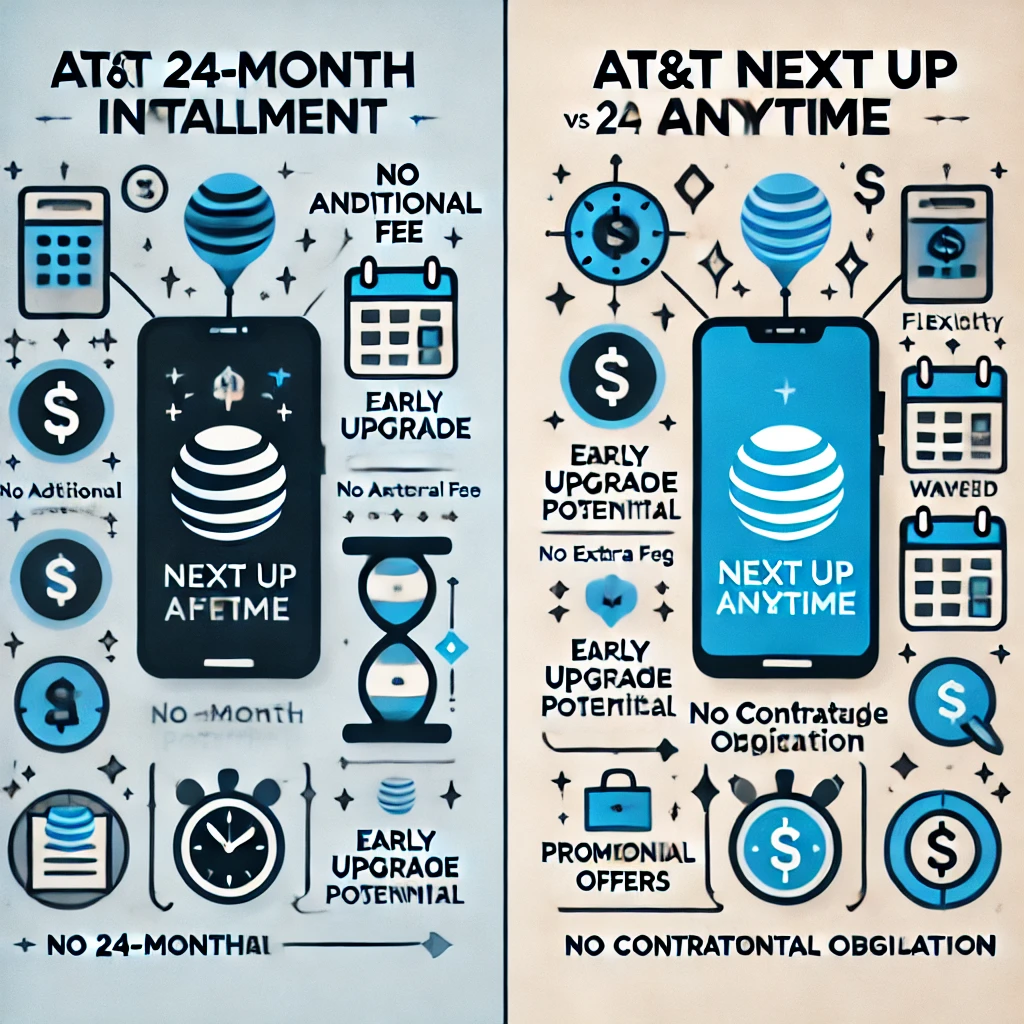
AT&T Next Up Anytime vs. 24-Month Installment

Advantages of a 24-Month Installment

No Additional Fee: You don’t pay the extra $10 per month for the Next Up Anytime feature.

  • No Additional Fee: Importantly, you avoid the extra $10 monthly charge for the Next Up Anytime feature.
  • Potential for Early Upgrade: Additionally, many carriers offer the option to upgrade early without extra fees, often after paying off half of the installment plan.
  • No Contractual Obligation: Furthermore, you aren’t tied to a contract for the full 24 months. You can settle the balance early, upgrade whenever convenient, and take advantage of any current promotions.

Advantages of Next Up Anytime

  • Flexibility: Significantly, this plan allows you to upgrade up to three times a year, perfect for those who consistently seek the latest devices.
  • Waived Remaining Balance: Moreover, when you choose to upgrade, AT&T will cover the remaining balance on your installment plan.
  • Potential for Promotional Offers: Also, you might be eligible for promotions that can substantially reduce the cost of a new device.

Choosing the Best Option

Ultimately, the best choice depends on your personal needs and habits. If you frequently update your phone and value the flexibility and benefits of Next Up Anytime, this plan may be your best bet. On the other hand, if you prefer fewer upgrades and like paying off your installment in full, the traditional 24-month plan could be more suitable for you.