Budget Work Phones that Actually Work: iPhone 16e & XCover7 Pro

Last updated: November 7, 2025

Short version: You want budget but you don’t want junk. These are the two moves through me, Curtis “MobileWiseGuy” Matthews:
Apple iPhone 16e — after bill credits, total device cost is $72. On 36 months it’s $1.99/mo; on 24 months it’s $2.99/mo. No trade-in required with an eligible business plan. Full retail: $599.99.
Samsung Galaxy XCover7 Pro — rugged, job-site ready, and free on installments (credits cover the payments). Do 24, 30, or 36 months—doesn’t matter, it nets to free. Full retail: $599.99.

All current AT&T business promotions Request a quote from Curtis


Best budget picks for AT&T business customers
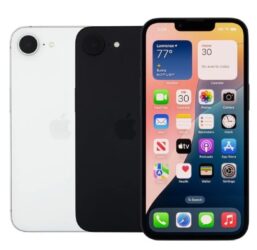
Apple iPhone 16e budget phone for AT&T business from Curtis Matthews

Apple iPhone 16e

  • Full retail: $599.99
  • Total after credits: $72 (credits post monthly on your bill).
  • Installments: $1.99/mo (36) or $2.99/mo (24). 30-month also available.
  • Why it works: low cost, iOS simplicity, easy rollout for big and small teams.
  • No trade-in required with an eligible business plan.
Samsung Galaxy XCover7 Pro rugged budget phone for AT&T business from Curtis Matthews

Samsung Galaxy XCover7 Pro (rugged)

  • Full retail: $599.99
  • Monthly after credits: $0 on installments—24, 30, or 36 months.
  • Why it works: tough build, glove-friendly, fewer break tickets in the field.
  • Good for: logistics, drivers, construction, facilities, warehouses.
  • No trade-in required; plan eligibility varies.

Why these are smart for your workforce (and your budget)

  • Standardize the fleet. Same models = faster setup, less training, and cleaner MDM. When a device breaks, you swap it and keep moving.
  • Predictable spend. iPhone 16e lands at $72 total after credits; XCover7 Pro nets to $0/mo on installments. That’s real savings you’ll actually feel month-to-month.
  • Right tool for the job. iPhone 16e keeps the iOS crowd happy and productive. XCover7 Pro is the workhorse—drop it, wipe it, keep working.
  • Perfect for new hires and fleet refreshes. Bring people onboard without blowing up the budget—24, 30, or 36 months based on how you want to cash-flow it.
  • Less downtime, fewer headaches. Reliable hardware means fewer “my phone’s busted” calls and more time on task.

See all current AT&T business promos Contact Curtis Matthews

Fine print: Offers require eligible AT&T business plans and device purchase on installments. Bill credits typically start within 1–3 bill cycles after activation. Taxes/fees extra. Availability can change without notice.
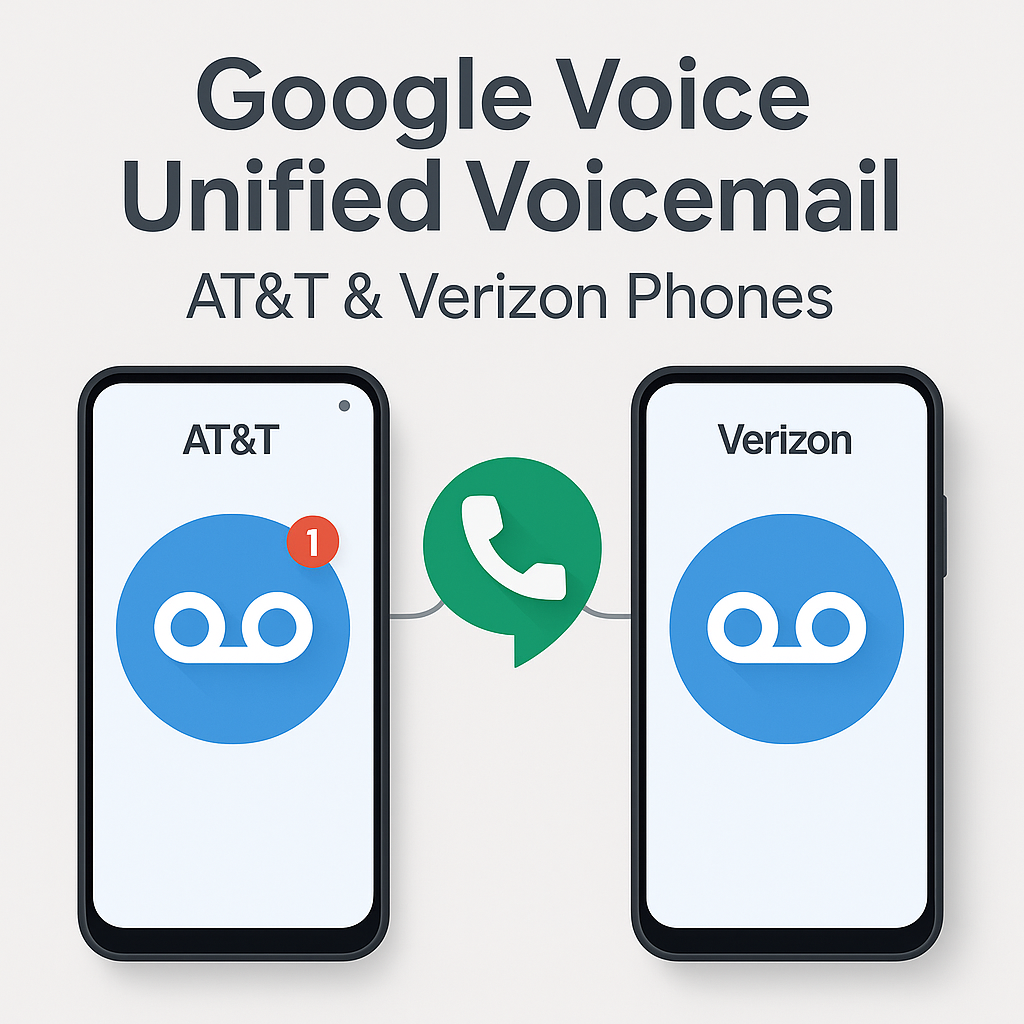
How I Use Google Voice Voicemail for Unified Voicemail on AT&T and Verizon Phones

How I Use Google Voice Voicemail on AT&T and Verizon Phones

Managing multiple phones across different carriers brought some challenges for me—especially when voicemails were scattered between devices. Google Voice offers a great way to unify voicemail, even if your devices are split between AT&T and Verizon.

My Experience

I was having issues where the native voicemail from my AT&T and Verizon phone numbers would sometimes pick up if I did not answer or rejected the call. This fragmented my voicemail and made tracking missed messages difficult. I only wanted Google Voice voicemail to pick up so I could have a centralized inbox.

Additionally, I set Google Voice to prefer Wi-Fi and mobile data for seamless calls and visual voicemail access. However, on my Samsung Galaxy S25 Ultra on AT&T, the ringtone was only using notification alerts and could not be changed, which made it hard to distinguish incoming calls. I also found better cellular reception with the regular AT&T service, which improved call quality.

Setting up call forwarding from my AT&T and Verizon numbers to Google Voice resolved both the voicemail and ringtone issues, allowing me to manage Google Voice across all my devices—computers, tablets, laptops, and multiple phones—with ease and better call handling.

Why I Use Google Voice for Voicemail Unification

If you juggle two phones—one with AT&T and one with Verizon—Google Voice lets you consolidate your voicemails into one inbox. This is especially useful for professionals, consultants, and frequent travelers who manage multiple lines.

How I Set Up Conditional Call Forwarding on AT&T

To make sure all missed calls route to my Google Voice voicemail, I activated conditional call forwarding on my AT&T phone by dialing these codes (substitute GVNUMBER with your full Google Voice number):

  • Unanswered calls: *61*GVNUMBER#
  • Phone unreachable: *62*GVNUMBER#
  • Busy line: *67*GVNUMBER#

Each code needs to be dialed separately with confirmation tones following. This setup ensures only my Google Voice voicemail picks up under these conditions.

How I Set Up Single-Step Forwarding on Verizon

On my Verizon phone, setup was simpler—I dialed *71 plus my Google Voice number, which activates conditional forwarding for unanswered, busy, or unreachable calls.

After dialing, I tested forwarding by calling my Verizon number from another device to ensure voicemail routed correctly. If I ever need to disable forwarding, I can dial *73 or adjust settings on my Verizon account portal.

How I Manage Data Use and Troubleshoot

  • I make sure my Google Voice number isn’t linked in the app to avoid call routing loops or conflicts.
  • I set Google Voice to prefer Wi-Fi and mobile data for calls and visual voicemail access.
  • If calls don’t route correctly, I check my carrier app or contact support to confirm forwarding is active.

Summary Table of How I Use Forwarding

Carrier Forwarding Code(s) What It Does
AT&T *61*GVNUMBER# (Unanswered)
*62*GVNUMBER# (Unreachable)
*67*GVNUMBER# (Busy)
Forwards missed calls to Google Voice voicemail
Verizon *71GVNUMBER (All missed calls) Forwards missed calls to Google Voice voicemail

Using Google Voice with these forwarding setups means all my missed calls from both AT&T and Verizon go directly to my Google Voice voicemail, making call and message management seamless and simple.

How to Turn Off Google Voice Call Forwarding Features

Note: This describes how I turned off forwarding for my Google Voice number. The instructions below should work to turn off call forwarding for any phone number on AT&T or Verizon networks.

  • AT&T: Dial ##21# and press Call. You should hear a confirmation tone indicating all call forwarding is disabled.
  • Verizon: Dial *73 and press Call. Wait for the confirmation tone to know that forwarding is turned off.

These codes deactivate all conditional and unconditional call forwarding, stopping calls from being forwarded to Google Voice or any other number.