Category Archives: AT&T

AT&T Business Services

AT&T Business Services offers a wide range of solutions to help businesses of all sizes improve their operations and stay connected in today’s fast-paced digital landscape. With a focus on innovation, AT&T provides businesses with the tools and resources they need to succeed in today’s competitive marketplace.

AT&T’s Business Services

AT&T services include a suite of solutions designed to help businesses manage their communications, network, and cybersecurity needs. These solutions include:

AT&T Business Fiber

High-speed fiber-optic internet connectivity for businesses of all sizes, with speeds up to 1 Gbps.

AT&T Business Mobility

Mobile solutions for businesses, including smartphones, tablets, and mobile hotspots, with plans tailored to meet the unique needs of each business.

AT&T Business Voice

A comprehensive suite of voice services, including landline, VoIP, and cloud-based solutions, designed to keep businesses connected.

AT&T Business VPN

A secure and reliable way for businesses to connect their employees, customers, and partners across multiple locations.

AT&T Business Wi-Fi

A powerful and flexible Wi-Fi solution that allows businesses to create seamless connectivity for their employees and customers.

AT&T Dedicated Internet

A dedicated, high-speed internet connection designed for businesses with high-bandwidth needs.

AT&T Managed Internet Service

A fully managed internet service that provides businesses with complete control over their network.

AT&T Cybersecurity

A suite of cybersecurity solutions designed to protect businesses against cyber threats and data breaches.

AT&T Cloud Solutions

A range of cloud-based solutions designed to help businesses streamline their operations and increase efficiency.

AT&T IoT Solutions

A suite of Internet of Things (IoT) solutions that allow businesses to connect and manage their devices and data in real-time.

AT&T Business Services are designed to help businesses of all sizes stay competitive in today’s digital landscape. With a focus on innovation and customer service, AT&T is committed to helping businesses achieve their goals and succeed in the digital age.

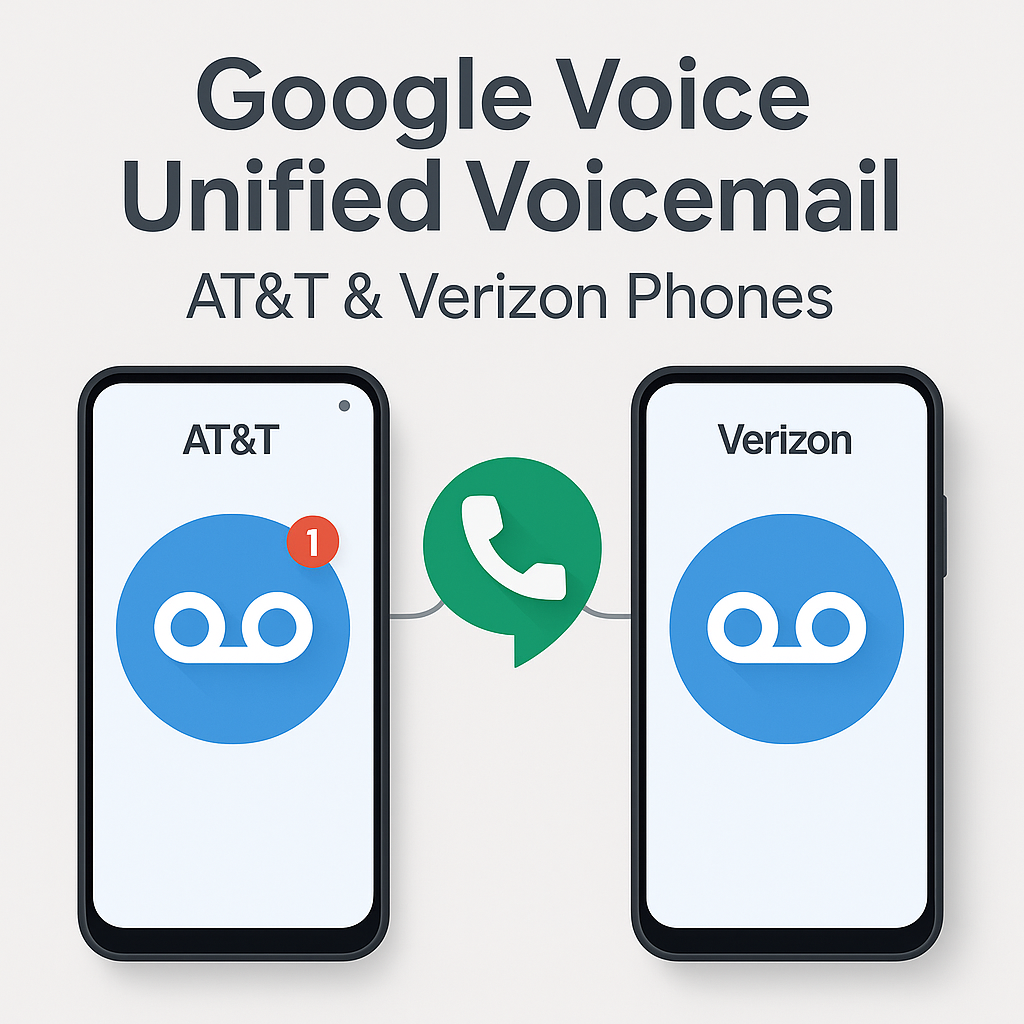
How I Use Google Voice Voicemail for Unified Voicemail on AT&T and Verizon Phones

How I Use Google Voice Voicemail on AT&T and Verizon Phones

Managing multiple phones across different carriers brought some challenges for me—especially when voicemails were scattered between devices. Google Voice offers a great way to unify voicemail, even if your devices are split between AT&T and Verizon.

My Experience

I was having issues where the native voicemail from my AT&T and Verizon phone numbers would sometimes pick up if I did not answer or rejected the call. This fragmented my voicemail and made tracking missed messages difficult. I only wanted Google Voice voicemail to pick up so I could have a centralized inbox.

Additionally, I set Google Voice to prefer Wi-Fi and mobile data for seamless calls and visual voicemail access. However, on my Samsung Galaxy S25 Ultra on AT&T, the ringtone was only using notification alerts and could not be changed, which made it hard to distinguish incoming calls. I also found better cellular reception with the regular AT&T service, which improved call quality.

Setting up call forwarding from my AT&T and Verizon numbers to Google Voice resolved both the voicemail and ringtone issues, allowing me to manage Google Voice across all my devices—computers, tablets, laptops, and multiple phones—with ease and better call handling.

Why I Use Google Voice for Voicemail Unification

If you juggle two phones—one with AT&T and one with Verizon—Google Voice lets you consolidate your voicemails into one inbox. This is especially useful for professionals, consultants, and frequent travelers who manage multiple lines.

How I Set Up Conditional Call Forwarding on AT&T

To make sure all missed calls route to my Google Voice voicemail, I activated conditional call forwarding on my AT&T phone by dialing these codes (substitute GVNUMBER with your full Google Voice number):

  • Unanswered calls: *61*GVNUMBER#
  • Phone unreachable: *62*GVNUMBER#
  • Busy line: *67*GVNUMBER#

Each code needs to be dialed separately with confirmation tones following. This setup ensures only my Google Voice voicemail picks up under these conditions.

How I Set Up Single-Step Forwarding on Verizon

On my Verizon phone, setup was simpler—I dialed *71 plus my Google Voice number, which activates conditional forwarding for unanswered, busy, or unreachable calls.

After dialing, I tested forwarding by calling my Verizon number from another device to ensure voicemail routed correctly. If I ever need to disable forwarding, I can dial *73 or adjust settings on my Verizon account portal.

How I Manage Data Use and Troubleshoot

  • I make sure my Google Voice number isn’t linked in the app to avoid call routing loops or conflicts.
  • I set Google Voice to prefer Wi-Fi and mobile data for calls and visual voicemail access.
  • If calls don’t route correctly, I check my carrier app or contact support to confirm forwarding is active.

Summary Table of How I Use Forwarding

Carrier Forwarding Code(s) What It Does
AT&T *61*GVNUMBER# (Unanswered)
*62*GVNUMBER# (Unreachable)
*67*GVNUMBER# (Busy)
Forwards missed calls to Google Voice voicemail
Verizon *71GVNUMBER (All missed calls) Forwards missed calls to Google Voice voicemail

Using Google Voice with these forwarding setups means all my missed calls from both AT&T and Verizon go directly to my Google Voice voicemail, making call and message management seamless and simple.

How to Turn Off Google Voice Call Forwarding Features

Note: This describes how I turned off forwarding for my Google Voice number. The instructions below should work to turn off call forwarding for any phone number on AT&T or Verizon networks.

  • AT&T: Dial ##21# and press Call. You should hear a confirmation tone indicating all call forwarding is disabled.
  • Verizon: Dial *73 and press Call. Wait for the confirmation tone to know that forwarding is turned off.

These codes deactivate all conditional and unconditional call forwarding, stopping calls from being forwarded to Google Voice or any other number.


Free Phone Deals? Here’s the Catch They Don’t Tell You

Every carrier loves to say “The new iPhone 17 Pro is on us!” Sounds great, right? But here’s the truth: phones aren’t really free. You still have to pay sales tax on the full retail price (around $1,100 for the iPhone 17 Pro), and that’s usually $70–$100 upfront depending on your state.

On top of that, AT&T and other carriers charge upgrade fees. For business customers at AT&T, it’s $35 on installment plans and $50 on 2-year contracts. (Activation fees are waived on new lines.)

Then the carrier gives you bill credits each month for 24–36 months. If you leave early, you owe the rest. So the phone feels free — but only if you stay locked into the plan for years.

Quick Examples:

  • AT&T: Free iPhone 17 Pro with trade-in (iPhone 13 or newer) and unlimited plan.
  • Verizon: Free iPhone 17 Pro or Galaxy S25 with a new line on an unlimited plan.
  • T-Mobile: Free iPhone 17 Pro with trade-in and their high-tier plan.

Takeaway: A “free phone” really means: pay taxes and upgrade fees now, stay on the plan, and wait for monthly credits to cancel out the cost.

➡ Want the full business breakdown with installment options? Read the detailed post on WirelessConsultant.net.
➡ Prefer a bold, no-fluff take? Check the GangsterMobile.com exposé.

AT&T Internet Air Promotion & Fleet Management Promotions

AT&T AIA-B Premium Plans & FleetComplete Promotions — Here’s What You Need to Know

It’s Curtis, the MobileWiseGuy. If you’re managing business wireless accounts, these new AT&T promotions I’m working with could really move the needle for your wireless spend and fleet management in 2025.

What’s New with AT&T AIA-B Premium & Standard Plans?

  • AT&T has rolled out some exclusive discounts and priority features that I’m helping my clients take full advantage of — this isn’t your typical plan update.
  • The Premium and Standard options give you flexibility on coverage, speed, and device support—all tuned to keep your critical business lines running smoothly.
  • These deals can help streamline upgrades and give your telecom team more control and savings.
  • See the full AT&T AIA-B Premium/Standard promo details here. I’m always happy to walk you through how these translate to your account.

FleetComplete & PowerFleet — What You Should Know

  • These solutions integrate directly with AT&T’s wireless service and provide powerful tools for vehicle tracking, compliance, and boosting team productivity.
  • My clients love the dashboards—they’re easy to customize and scale for even the biggest national fleets.
  • Right now, there are promotions bundling device, data, and platform costs that can save you serious money.
  • Learn more about FleetComplete and PowerFleet promotions here. Let me know if you want me to break it down in a call.

Why This Matters for Your Business

  • I’ve seen first-hand how negotiating these promotions across wireless accounts can unlock savings and add value—especially when you’re managing lots of lines or locations.
  • AT&T’s got advanced security and compliance features built in, something businesses can’t afford to ignore.
  • From big deployments to ongoing account management, I’m here to help simplify the process and maximize your wireless investment.

If you want to get ahead with these AT&T promotions or just want to chat about how wireless can better serve your business goals, I’m only a message away. Let’s talk and make wireless work smarter for you.